
How to Use Google Translate for English to Sinhala (and Avoid Common Mistakes)
You're reading an English document on your phone. Most of it makes sense, but one paragraph contains several unfamiliar words.
You copy the paragraph, open Google Translate, select Sinhala, and within moments you have a translation. Problem solved—or is it?
Sometimes the result is clear and useful. Other times, the Sinhala sentence feels awkward, an English idiom is interpreted too literally, or a familiar word suddenly seems to have the wrong meaning entirely. That's because real translation involves more than mechanically replacing words.
Google Translate is a remarkably helpful tool for English-to-Sinhala translation, but knowing how to use its features—and when to question the automated result—makes a tremendous difference.
In this practical tutorial: We will walk through text, mobile app, camera, document, and speech features, demonstrate realistic Sri Lankan study examples, explain why automatic translations stumble on idioms, and provide a 5-step checklist to verify translation accuracy before using it.
Quick Start: Translate English to Sinhala in Five Steps
Basic Web Translation Process
- Open translate.google.com in any browser.
- Choose English as the source language on the left box.
- Choose Sinhala (සිංහල) as the target language on the right box.
- Enter or paste your English text into the source field.
- Read the Sinhala result and verify that the intended meaning matches the context.
💡 Pro Tip: To translate in the reverse direction (Sinhala to English), simply click the swap arrows (⇄) between the language dropdowns.
Google Translate is available both as a web service and as a free mobile app. For English and Sinhala, choosing the right tool for your specific task saves hours of manual work:
| What You Want to Do | Best Feature to Use | Availability |
|---|---|---|
| Understand an English sentence | Text Translation | Web & All Mobile Devices |
| Translate Sinhala text into English | Language Swap (⇄) | Web & All Mobile Devices |
| Read printed English from books/notices | Image / Camera OCR | Supported Mobile App versions |
| Translate an entire Word or PDF document | Document Translation | Desktop / Laptop Browser |
| Browse a foreign-language webpage | Website Translation | Desktop Chrome & Translate Web |
| Speak instead of typing | Voice Input (Microphone) | Device & OS Dependent |
| Translate during bus travel without data | Offline Language Pack | If downloadable in current app |
When completing university assignments, writing professional emails, or reading online articles, the desktop browser interface is ideal:
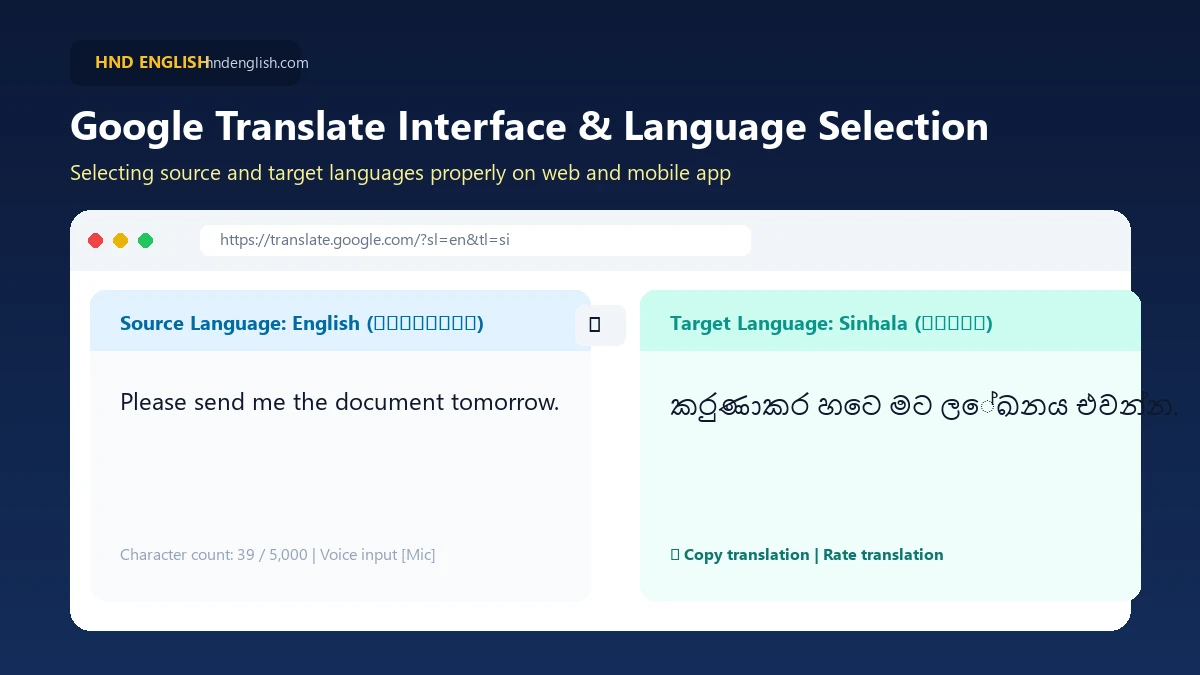
- Open your browser and navigate to translate.google.com.
- Select English as the source language on the left box.
- Select Sinhala as the target language on the right box.
- Type or paste your text into the left container (supports up to 5,000 characters per submission).
- Review the Sinhala translation carefully to ensure the tone and technical words fit your context.
Practical Example for Sri Lankan Campus Students:
Suppose your lecturer sends this message:
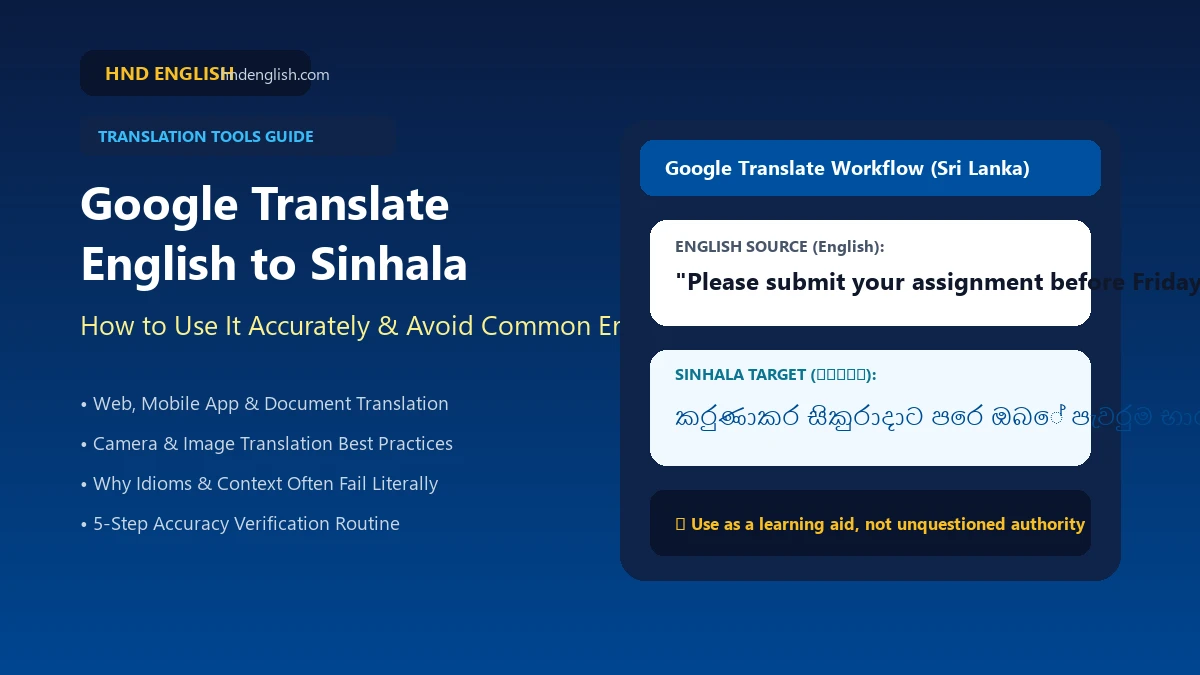
"Please submit your assignment before Friday."
The natural Sinhala translation generated is:
කරුණාකර සිකුරාදාට පෙර ඔබේ පැවරුම භාර දෙන්න.
Notice how the sentence correctly captures both the instruction (භාර දෙන්න) and the deadline (සිකුරාදාට පෙර).
Most Sri Lankans use translation tools primarily on their smartphones. Installing the official Google Translate app provides dedicated shortcuts and camera scanning:
Android Experience:
iPhone / iOS Experience:
When you want to compose an English message from a Sinhala thought, tap the Swap (⇄) button:
Natural Translation Example:
මම දැන් කෑම කනවා.
✅ Natural English: "I'm eating now."
The word දැන් indicates that the action is occurring at the present moment, so English naturally uses the Present Continuous tense (am eating).
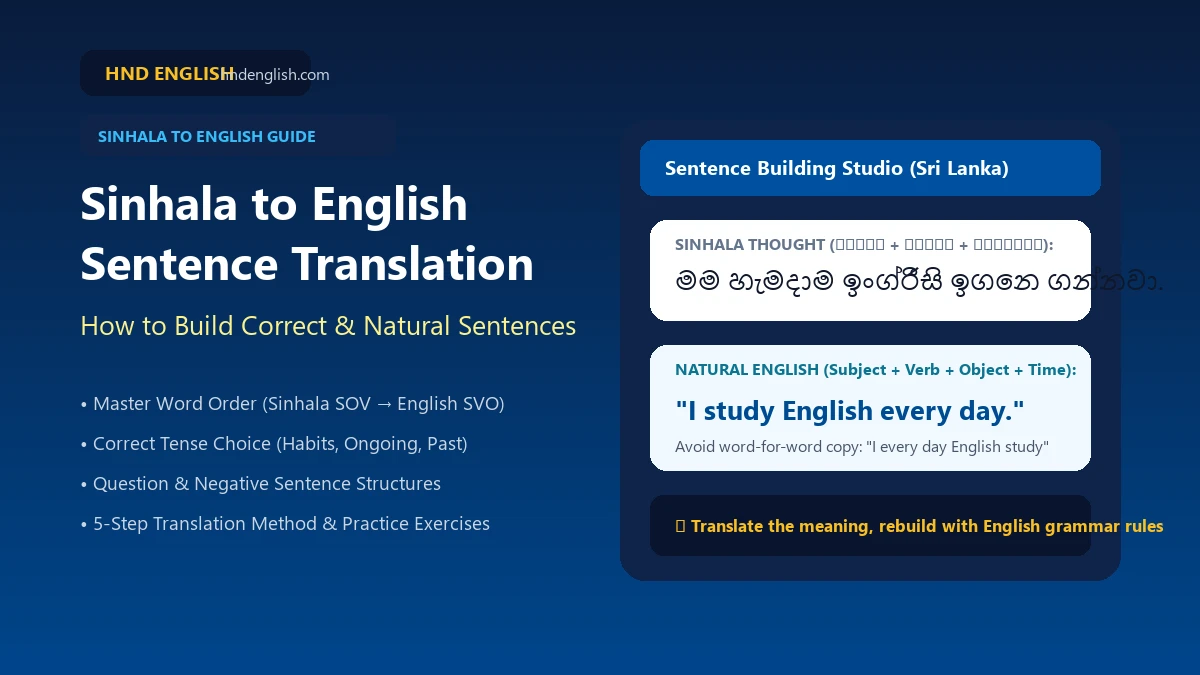
Want to learn how to build English sentences independently? Read our comprehensive guide: Sinhala to English Translation: How to Build Correct Sentences.
When studying from printed textbooks, past papers, or public notices, typing long paragraphs manually is tedious. The camera feature extracts text using optical character recognition (OCR):
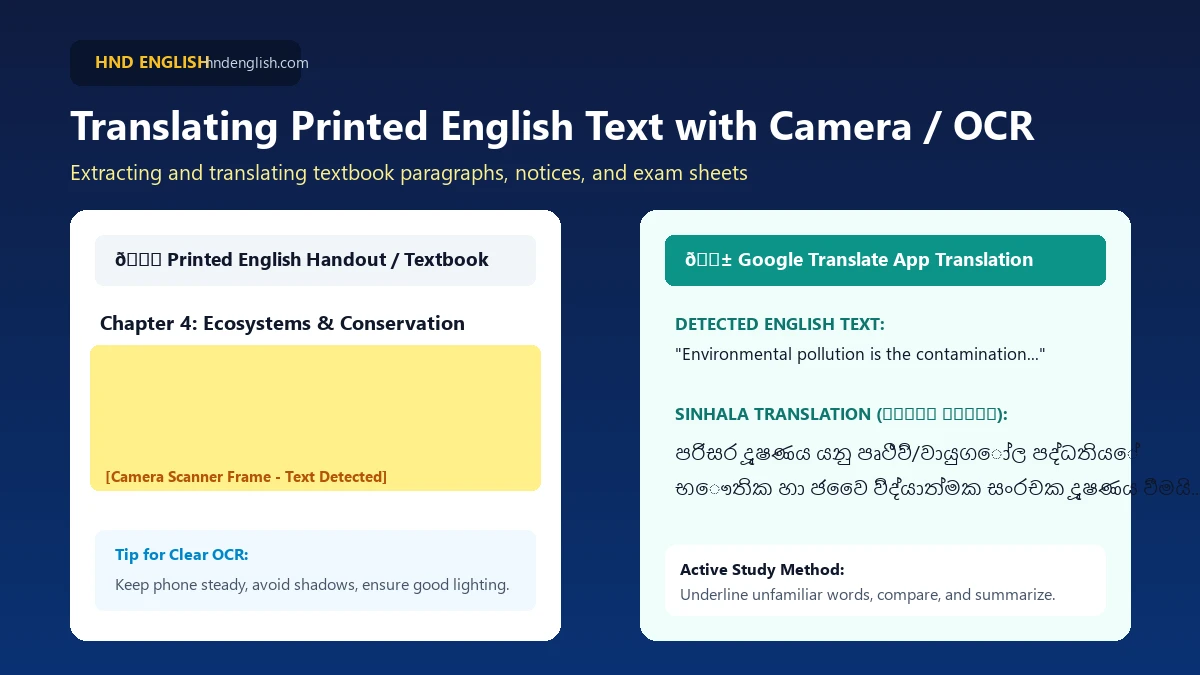
Tips for Better OCR Accuracy:
Google Translate provides voice tools, but it is important to understand the technical distinctions:
- Voice Input: Speaking English words into the microphone so the app transcribes them into text.
- Speech Translation: Recognizing spoken English and outputting translated Sinhala text.
- Live Conversation Mode: Real-time bilingual interpreting.
⚠️ Feature Availability Note:
Support for basic text translation does not guarantee that Sinhala voice recognition or text-to-speech audio playback is active on every phone or app version. If the microphone icon is greyed out, verify app updates and microphone permissions in your phone settings.For multi-page assignments or research papers, translating paragraph by paragraph takes too long. On a computer, you can translate full files:
- Visit translate.google.com/?op=docs on a computer.
- Click the Documents button at the top.
- Choose your file: supports
.docx,.pdf,.pptx, or.xlsx(up to 10 MB and 300 pages). - Set source to English and target to Sinhala.
- Click Translate and download the translated document.
Caution on Scanned PDFs: If your PDF is made of scanned book images without selectable text, Google Translate cannot read the words. You must run OCR first!
When browsing international university websites, visa portals, or technical documentation, click the Websites tab at Google Translate and enter the page URL.
Crucial Warning: Never rely exclusively on translated webpages for critical scholarship deadlines, legal terms, or visa instructions. Always verify the original English wording!
While travelling between Colombo, Kandy, or rural areas with patchy mobile reception, offline translation is helpful. Open the app settings, check Downloaded Languages, and look for Sinhala. If available for your device, download the package over Wi-Fi before traveling.
Automated machine translation can look convincing while conveying the wrong idea. Here are five primary causes:
The word bank can mean a commercial bank or a riverbank. Without full sentence context, automated tools frequently guess the wrong definition.
Expressions like "It's raining cats and dogs" do not refer to animals falling from the sky. A natural Sinhala translation is simply හොඳටම වැස්ස වැටෙනවා.
English arranges words as Subject-Verb-Object, while Sinhala uses Subject-Object-Verb. Machine tools can produce stiff syntax when attempting word-for-word alignment.
Sinhala has nuanced registers of respect and formality that automated English algorithms cannot determine without social context.
Terms in engineering, medicine, and law often carry discipline-specific meanings that general machine translation misinterprets.
| English Expression | Intended Real Meaning | Potential Translation Pitfall |
|---|---|---|
| I'm on my way | I am traveling toward destination | Not literally standing physically on a road |
| Take your time | No need to hurry | Not a literal request to grab physical time |
| I'm feeling blue | I'm feeling sad / down | Blue represents sadness, not the color |
| It's up to you | The decision is yours (ඒක ඔයාගේ තීරණය) | Not a physical upwards direction |
| Give me a hand | Help me (මට උදව් කරන්න) | Not literally giving an anatomical hand! |
Literal Machine Error vs. Natural Meaning:
❌ Literal Error: Translating "Can you give me a hand?" as a physical hand.
✅ Natural Meaning: "මේකට මට උදව් කරන්න පුළුවන්ද?" (Can you help me with this?)
Always translate the communicative intention of the whole expression, not the isolated words.
Follow this simple review workflow before using any automated translation:
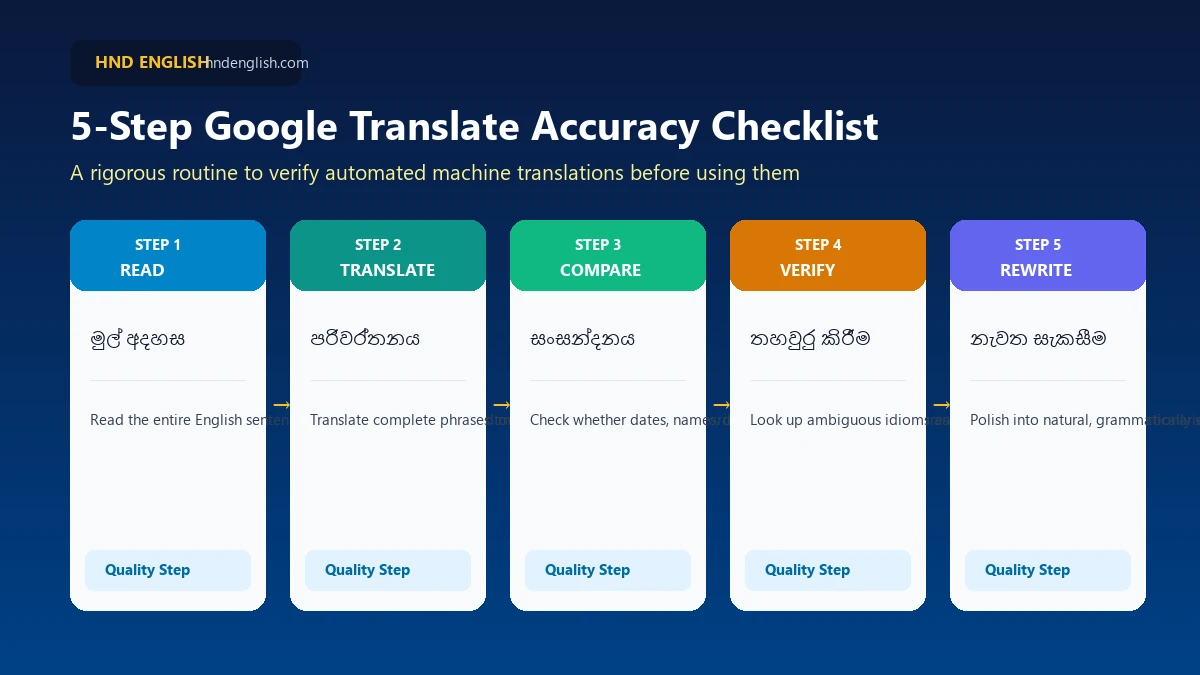
Pre-Submission Verification Checklist
- ☑️ Have I selected the correct source and target languages?
- ☑️ Have I provided enough surrounding context instead of isolated words?
- ☑️ Are names, numbers, dates, and instructions accurate?
- ☑️ Does the translated sentence preserve the intended meaning without sounding absurd?
- ☑️ Does the tone suit the recipient (formal vs. familiar)?
- ☑️ Does anything require verification by a proficient bilingual reviewer?
Don't use translation to replace learning—use it to accelerate comprehension:
| English Term | Sinhala Meaning (සිංහල තේරුම) | Example Sentence |
|---|---|---|
| Improve | වැඩිදියුණු කරනවා | I want to improve my English. |
| Explain | පැහැදිලි කරනවා | Please explain the answer. |
| Understand | තේරුම් ගන්නවා | I understand the lesson. |
| Prepare | සූදානම් කරනවා | I need to prepare for the exam. |
| Practice | පුහුණු වෙනවා | I practice English every day. |
Always seek competent human verification for high-stakes documents:
- Medical prescriptions and clinical reports.
- Legal agreements, contracts, and deeds.
- Official visa and immigration submissions.
- Academic dissertations and thesis submissions.
- Confidential business, banking, and financial information.
Check the source and target dropdowns. Use the swap arrows (⇄) if reversed.
Ensure your operating system is updated with standard Unicode Sinhala font support.
Hold phone steady, ensure direct lighting without glare, and avoid heavily stylized handwritten fonts.
Break long complex sentences into smaller units, add surrounding context, and check idioms.
Recommended Video: Google Translate Explained in Sinhala
Watch this tutorial by Geek Bro SLV demonstrating how to use Google Translate features effectively in Sinhala:
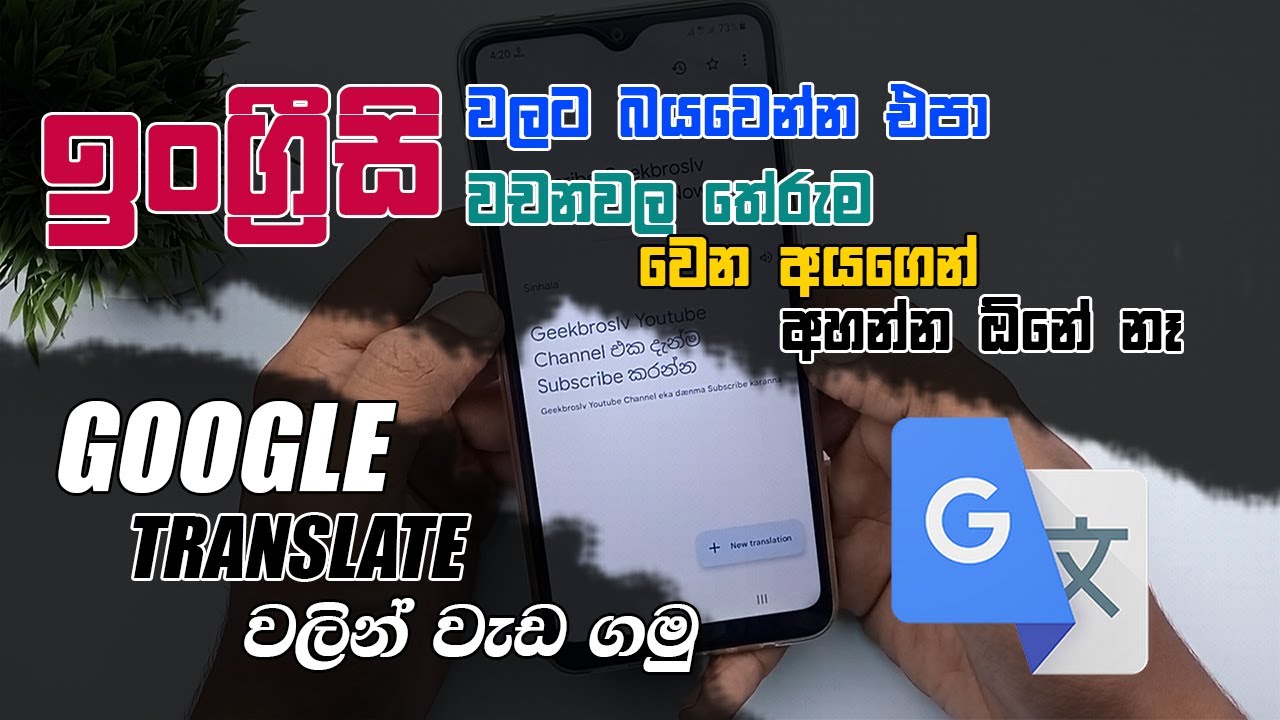
*Note: Video was produced in 2022; refer to the written instructions above for the most up-to-date interface buttons.
Frequently Asked Questions
Is Google Translate available for English to Sinhala?
Yes. Google Translate supports bilingual text translation between English and Sinhala across web browsers and mobile apps.
How do I translate Sinhala to English in Google Translate?
Select Sinhala as the source and English as the target, or click the swap button (⇄) in the middle of the language bar.
Is Google Translate accurate for Sinhala?
It is generally accurate for direct, simple sentences, but accuracy drops with idioms, proverbs, complex compound clauses, and highly technical jargon.
Can Google Translate translate English PDFs into Sinhala?
Yes, via the Documents tab on desktop (up to 10 MB and 300 pages). However, scanned image-only PDFs require OCR before translation.
Can I translate English using my phone camera?
Yes, tap the camera icon in the Google Translate app to scan printed English handouts, signs, or textbook passages.
Does Google Translate work offline for Sinhala?
Offline functionality depends on whether the offline language pack for Sinhala is downloadable in your specific app version. Check the Downloaded Languages menu.
Explore Related HND English Learning Resources:
Have you ever received a confusing English-to-Sinhala translation from Google Translate?
Share the sentence in the comments below! We can explore why its meaning may have changed and how to express it naturally.
Save Complete Educational Notes as PDF
Download a clean, printer-friendly formatted PDF of this note for offline revision.
Found this study material helpful?
Rate our website service and free notes repository on Google Reviews!
Discussion & Study Inquiries (0)
Ask questions, request missing past papers, or share revision notes
No comments yet. Be the first student to start the discussion or request past papers!